
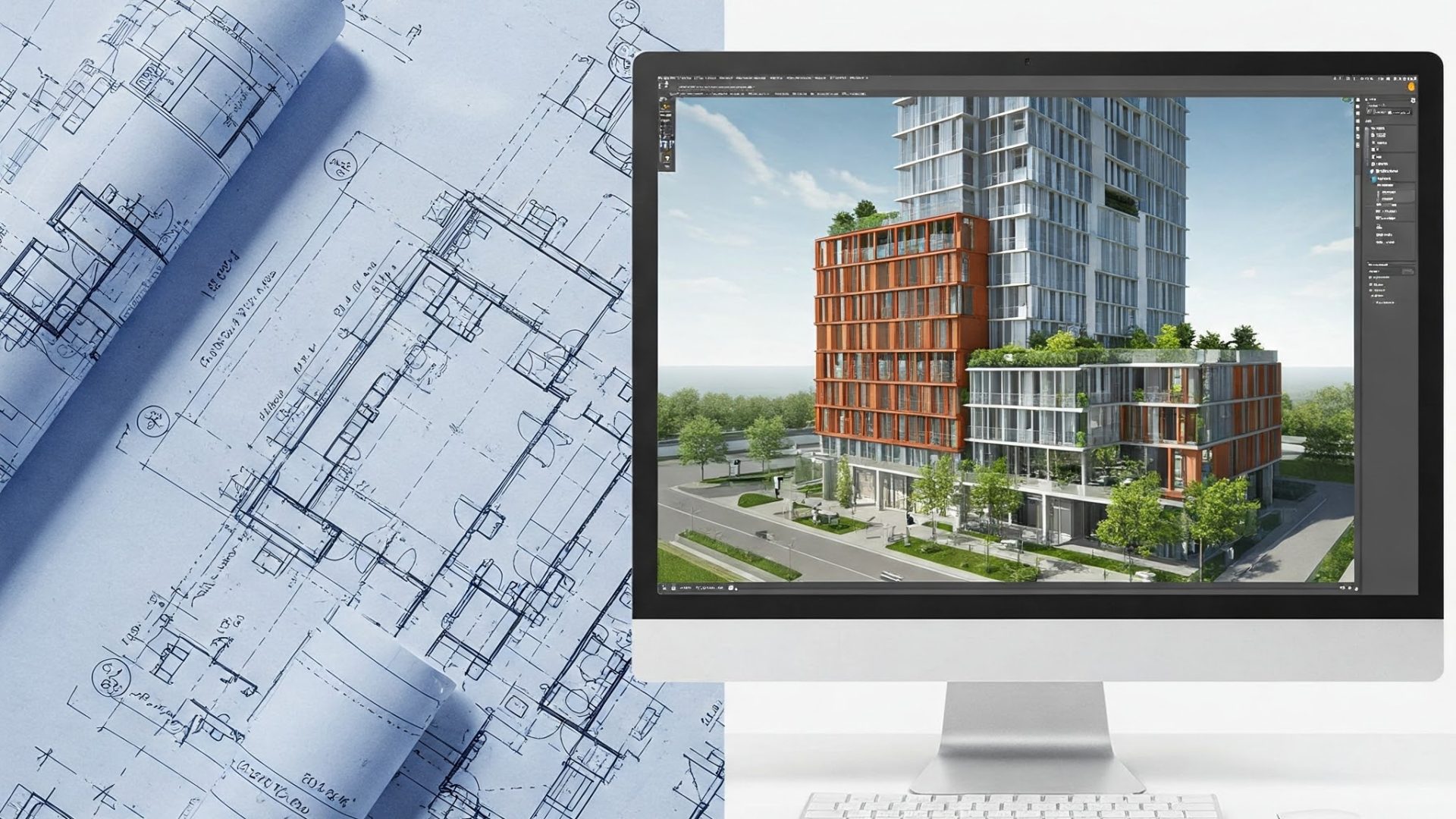
I. Opening: From Pencils to Pixels
The transition from hand-drawn blueprints to digital models has revolutionized architectural design. Drafting and modeling software has become the modern “digital drawing board,” enabling architects to create accurate, detailed, and information-rich representations of their designs. This week, we’ll explore the essential tools that have transformed the way architects work, from 2D drafting to the power of BIM.
(Image: A split image showing a traditional architectural drafting table with tools and a modern computer screen displaying 3D modeling software.)
II. Evolution of Drafting and Modeling Software
The introduction of Computer-Aided Design (CAD) software marked a pivotal moment in architectural history. Initially, CAD focused on 2D drafting, replicating traditional drawing methods digitally. Over time, 3D modeling emerged, allowing for the creation of virtual building representations. The advent of Building Information Modeling (BIM) further advanced the field, integrating data and geometry into intelligent models.
III. Types of Drafting and Modeling Software
- 2D Drafting Software: Programs like AutoCAD are used for creating floor plans, elevations, and sections, focusing on precise line work and annotation.
- 3D Modeling Software: Software such as SketchUp allows for the creation of three-dimensional representations, enabling architects to visualize and explore designs in a virtual space.
- BIM Software: Tools like Revit integrate data and geometry, creating intelligent models that facilitate collaboration and information sharing.
- Popular Options: AutoCAD, Revit, SketchUp, Rhino, and ArchiCAD are among the leading software choices.
IV. Key Features and Capabilities
- Precision Drawing Tools: Software enables accurate drawing and dimensioning, ensuring precision in design.
- Parametric Modeling: Designs can be created and modified based on parameters and relationships, allowing for flexible and adaptable models.
- Collaboration and Data Sharing: Software facilitates teamwork and information exchange, enabling seamless collaboration between project stakeholders.
- Visualization and Rendering: Integration with rendering tools allows for the creation of photorealistic images and immersive experiences.
V. Applications in Architecture
- Design Development: Software aids in exploring design options, iterating on ideas, and visualizing concepts.
- Construction Documentation: Accurate and detailed drawings are produced for construction, ensuring clarity and precision.
- Building Performance Analysis: Software simulates and analyzes energy use, structural behavior, and other aspects, leading to more sustainable and efficient designs.
VI. The BIM Advantage
BIM software enhances coordination, reduces errors, and improves efficiency by integrating data and geometry into a single model. This facilitates better communication and collaboration between disciplines.
VII. Conclusion: The Digital Transformation of Design
Drafting and modeling software has transformed the architectural design process, enabling architects to create innovative and efficient buildings. By embracing these digital tools, architects can enhance their capabilities and deliver exceptional results.
Next week, we’ll explore Project Management and Marketing Tools for Architects, delving into the software that supports the business side of architecture. We encourage you to share your experiences and questions about drafting and modeling software in the comments below.