
I. Opening: Bringing Designs to Life
In the realm of architecture, the journey from concept to reality is a captivating transformation. Rendering software serves as the vital bridge, translating abstract ideas into tangible, photorealistic visuals. It empowers architects to craft immersive images and animations, effectively “visualizing the vision” and communicating their designs with unparalleled clarity. This week, we’ll explore the power of rendering software and its transformative impact on architectural communication.
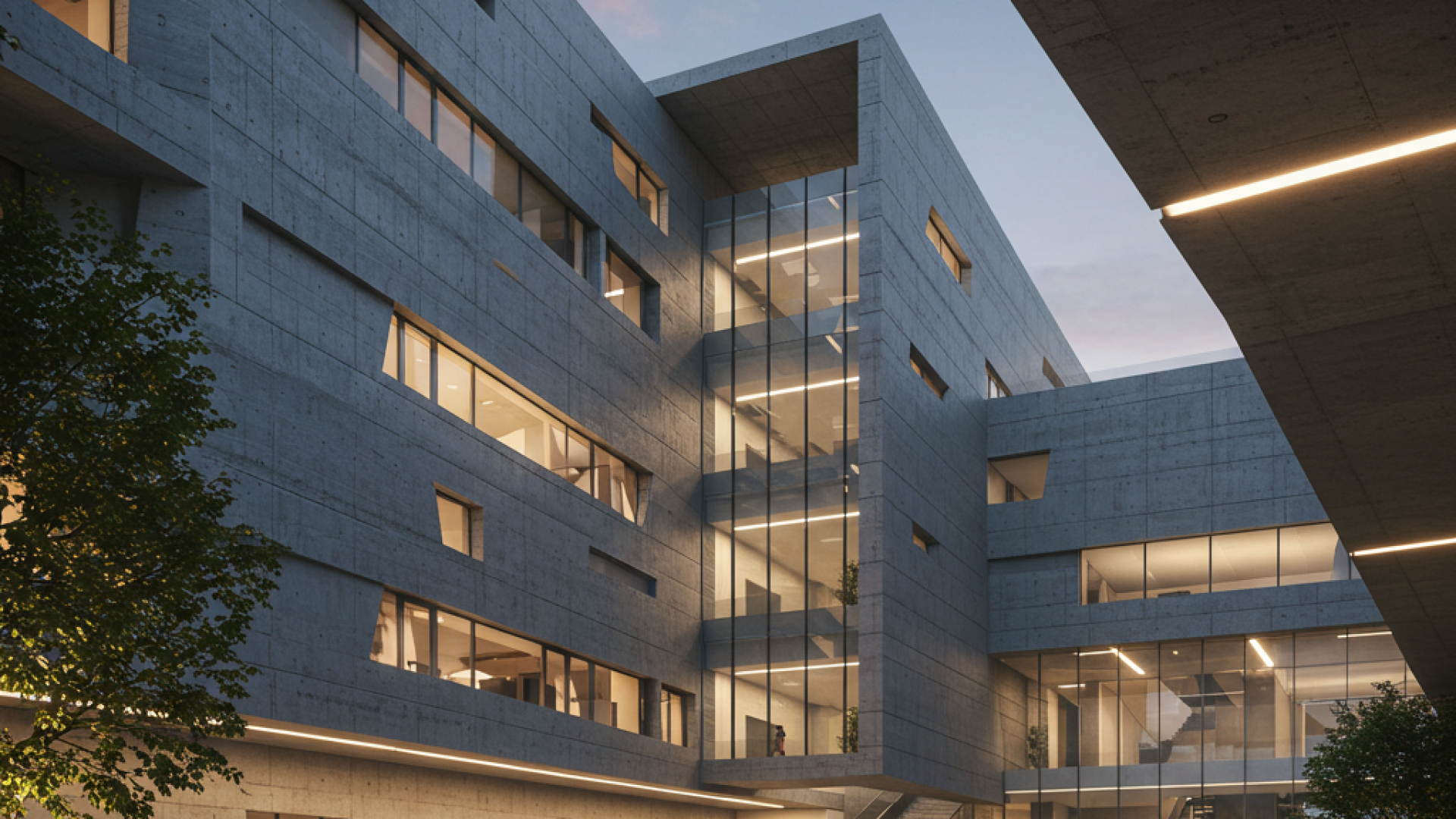
(Image: A stunning photorealistic rendering of a modern architectural design, showcasing lighting and material detail.)
II. What is Architectural Rendering?
Architectural rendering is the process of generating 2D and 3D images of proposed designs, showcasing their aesthetic and functional attributes. It has evolved from hand-drawn illustrations to sophisticated digital tools, enabling architects to present their ideas with remarkable realism. Rendering helps clients understand spatial relationships, material choices, and overall design intent.
III. Types of Rendering Software
- Photorealistic Rendering: Software like V-Ray excels at producing highly realistic images, capturing intricate details and lighting effects.
- Conceptual Rendering: Tools that create stylized or artistic renderings, emphasizing design concepts and mood.
- Real-time Rendering: Software such as Lumion and Enscape allows for interactive exploration of designs, providing immediate feedback and immersive experiences.
- Popular Options: V-Ray, Lumion, Enscape, Corona Renderer, and Blender are among the leading rendering software choices.
IV. Key Features and Capabilities
- Lighting and Materials: Simulation of natural and artificial lighting, coupled with realistic material application, enhances the visual impact of renderings.
- Environmental Context: Addition of landscapes, vegetation, and surrounding buildings provides context and realism.
- Animation and Virtual Reality: Creation of walkthroughs and VR experiences allows for immersive design exploration and client engagement.
V. Applications of Rendering in Architecture
- Client Presentations: Renderings help clients visualize the final product, fostering understanding and approval.
- Design Development: Exploration of design options and informed decision-making are facilitated by visual feedback.
- Marketing and Communication: Renderings are essential for brochures, websites, and social media, showcasing designs to a wider audience.
VI. Rendering Techniques and Best Practices
- Composition and Framing: Camera angles and perspective play a crucial role in creating compelling visuals.
- Lighting and Mood: Lighting design sets the atmosphere and mood of a rendering.
- Material Selection: Material choices impact realism and visual appeal, requiring careful consideration.
VII. The Role of BIM in Rendering
BIM models can be directly imported into rendering software, ensuring accuracy and efficiency. Using BIM for rendering enhances coordination and streamlines the workflow.
VIII. Conclusion: The Power of Visualization
Rendering software empowers architects to communicate their designs with clarity and impact. By mastering rendering techniques, architects can bring their visions to life and create compelling presentations.
Next week, we’ll explore AI and its Applications in Architecture, delving into the next frontier of architectural technology. We encourage you to share your experiences and questions about rendering software in the comments below.